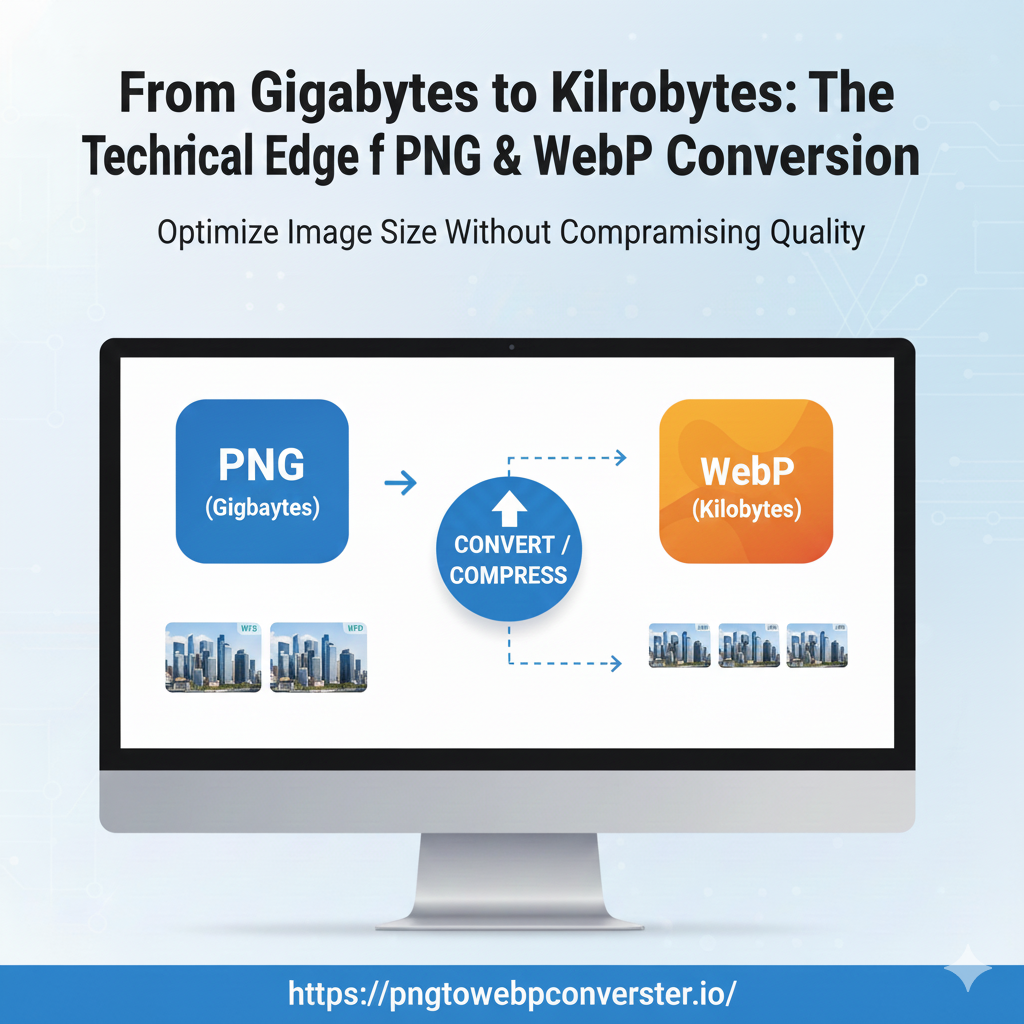
In the realm of digital imagery, the format war between PNG and WebP is fought daily across millions of websites. While WebP offers unparalleled speed for web delivery, PNG offers the gold standard of lossless fidelity for design and editing.
The challenge for modern professionals—be it the SEO specialist, the front-end developer, or the graphic designer—is not choosing between them, but moving between them flawlessly. You need a dedicated, technical solution that can handle the nuanced conversion from a high-quality PNG to WebP for the web, and a perfect reversal from a WebP to PNG for professional editing.
This is the technical deep dive you need, and it’s the exact reason we engineered pngtowebpconverter.io—your high-speed, high-fidelity online conversion powerhouse.
The Speed Imperative: Why You Must Convert PNG to WebP
The core driver for adopting WebP is simple: Speed directly equals Revenue and Rankings. Large PNG files, while beautiful, are heavy. For a typical e-commerce site, a high-resolution PNG can easily be several megabytes (MB).
The Technical Advantage of WebP Compression
WebP utilizes advanced techniques that dramatically reduce file size without sacrificing the visual quality most users perceive.
| Compression Technique | PNG | WebP | Benefits of converting PNG to WebP |
| Lossless Encoding | Standard filtering and Huffman coding. | Advanced entropy coding, dedicated color cache, and spatial prediction. | 26% smaller lossless file than PNG, making it the superior format for logos and icons on the web. |
| Lossy Encoding | Not applicable (PNG is strictly lossless). | VAST difference, using keyframe prediction similar to video codecs (VP8). | 30-70% smaller file size than PNG for photos and detailed images. |
| Transparency (Alpha Channel) | Full 8-bit alpha channel. | Efficient lossless and lossy alpha compression. | WebP transparency is often delivered in a smaller file size than the equivalent transparent PNG. |
When you use our tool to convert PNG to WebP, you are tapping into Google’s highly optimized compression libraries. Our engine automatically determines the best way to handle the conversion, ensuring your final WebP file is the absolute minimum size required to preserve the original visual quality.
The best part? You get this powerful, high-efficiency conversion instantly and freely. It is the ultimate PNG to WebP converter online, free.
The Fidelity Challenge: Flawless WebP to PNG Conversion
The most common anxiety among users concerning the WebP format is the “locked-in” feeling. What happens when you receive a WebP file but need to use it in professional design software (like Adobe Illustrator or older versions of Photoshop) that either doesn’t support the format or requires a lossless format for editing?
You need to perform a perfect WebP to PNG conversion. This is where many other tools fail, often leading to corrupted transparency or unexpected color shifts.
Our Commitment to Lossless Integrity
Our WebP to PNG converter online is designed for fidelity. The primary goal of the convert WebP to PNG process is to reverse the compression without introducing new artifacts.
- Transparency Preservation: We prioritize the alpha channel. The transparency data within the WebP file to PNG conversion is meticulously mapped to ensure that gradients, shadows, and cutouts remain perfectly intact in the resulting PNG.
- No New Artifacts: Even if the original WebP was lossy, the resulting PNG will be saved as a standard, lossless format that is universally recognized. We simply extract the highest fidelity data available from the WebP structure. This is critical for anyone who needs to perform a professional WebP convert to PNG action.
- Universal Compatibility: Once the conversion from WebP to PNG is complete, your image is ready for any application—from print layout software to legacy image viewers—without fear of compatibility issues.
The ability to instantly convert WebP to PNG and ensure lossless output makes our tool indispensable for graphic designers and publishers who frequently deal with cross-format workflows.
Debunking Myths: Why Online Conversion is Superior
In the past, users might have preferred desktop software like GIMP or dedicated image processing programs for conversions. Today, a powerful online converter like ours offers massive advantages that desktop software simply cannot match.
Myth 1: Desktop Software Offers Better Quality
Fact: Quality depends entirely on the underlying compression libraries, not the software interface. Our WebP to Png converter uses the same, if not more current, optimized Google WebP libraries as any high-end desktop application. The only difference is speed and accessibility. Our tool is perpetually up-to-date and instantly accessible from any browser.
Myth 2: Online Tools are Slow for Large Files
Fact: Online conversion is faster. When you use desktop software, you rely on your computer’s CPU and memory—resources often shared with other tasks. Our platform runs the convert PNG to WebP and convert WebP to PNG processes on high-performance, dedicated cloud servers designed solely for rapid, parallel data processing. This guarantees lightning-fast results, even for high-resolution images.
Myth 3: You Need Technical Knowledge to Choose the Right Settings
Fact: We built intelligence into the tool. For simple format switching—e.g., getting a webp convert to png output—our default settings are optimized for maximum fidelity. For PNG to WebP conversions, our tool applies intelligent compression based on the file type, removing the guesswork and delivering a perfectly optimized WebP every time. Forget complex dialog boxes; just drag, drop, and convert.
A Step-by-Step Technical Guide to Conversion
The simplicity of our tool belies the advanced technology running under the hood. Here is a quick guide to performing any conversion you need:
Scenario A: Optimizing for the Web (PNG to WebP)
- Target: A large PNG logo or hero image that needs to load fast.
- Action: Go to pngtowebpconverter.io.
- Execution: Drag your original PNG file into the drop zone. The system will automatically detect the PNG and initiate the conversion of PNG to WebP.
- Result: Download the newly created WebP file. Verify the file size reduction (usually substantial) and deploy it on your website for instant speed gains. This is the simplest PNG convert to WebP solution available.
Scenario B: Preparing for Professional Editing (WebP to PNG)
- Target: A downloaded WebP file that must be edited in a lossless-only desktop editor.
- Action: Go to pngtowebpconverter.io.
- Execution: Drag the WebP file into the drop zone. The system will recognize the WebP format and execute the conversion of WebP to PNG process.
- Result: Download the resulting PNG. You now have a universally compatible, high-fidelity PNG ready for any professional workflow. This rapid WebP to PNG conversion saves time and prevents workflow bottlenecks.
Conclusion: Your Go-To Tool for Digital Efficiency
In the modern digital landscape, efficiency is key. You need a conversion tool that is not only robust enough for professional workflows but also simple enough for daily use. Whether you are aiming for top-tier SEO performance with a lean WebP deployment or require a lossless WebP to PNG converter for critical design work, pngtowebpconverter.io delivers on all fronts.
Stop wasting time with bloated software or low-quality utilities. Choose the dedicated, powerful, and free online converter built for the modern image professional.
Ready to unlock the true potential of your image assets?
Head over now and perform your first lightning-fast, high-quality conversion.
Start converting now: pngtowebpconverter.io
The highest-quality PNG to WebP converter online, free, is waiting for you!