In the rapidly evolving world of web performance, the transition from static formats to dynamic animations is a key driver of user engagement. While WebP has become the industry standard for high-compression imagery, the legacy and universal compatibility of the GIF (Graphics Interchange Format) remain unmatched. Whether you are a social media manager creating memes or a developer optimizing UI previews, finding a professional WebP to GIF converter is essential.
At pngtowebpconverter.io/webp-to-gif/, we provide a high-performance, WebP to GIF free online tool that bridges the gap between modern compression and universal accessibility. In this comprehensive guide, we explore the mechanics of frame-by-frame rendering, the SEO benefits of animated content, and why our browser-side tool is the safest choice for bulk WebP to GIF conversion.
⚡ Quick Start: How to Convert WebP to GIF Online
If you need to animate your files instantly, follow this streamlined workflow:
- Upload: Drag and drop your .webp files (static or animated) into the conversion box.
- Configure: If your WebP is animated, our tool will automatically map the frame delay to the GIF output.
- Process: Click Convert to initiate the browser-side rendering.
- Download: Save your new GIF instantly—no watermarks, no sign-ups.
Chapter 1: Understanding the WebP vs. GIF Landscape
1.1 What is WebP to GIF Conversion?
WebP is a modern image format that provides superior lossless and lossy compression for images on the web. However, many legacy systems, email clients, and social platforms still struggle to display animated WebP files. Converting WebP to GIF involves extracting the animation frames and re-encoding them into the 8-bit color palette of a GIF.
1.2 Why Use a WebP to GIF Free Tool?
- Universal Compatibility: GIFs work everywhere—from Windows 95 to the latest iPhone 16.
- Email Marketing: Most email clients (like older versions of Outlook) do not support animated WebP but render GIFs perfectly.
- Social Media Sharing: Platforms like Discord and Slack have optimized native players for GIFs that ensure your animation plays on loop without user interaction.
- Ease of Creation: GIFs are the “language of the internet,” making them easier to embed in forums and comment sections.
Chapter 2: Technical Breakdown of Animation Encoding
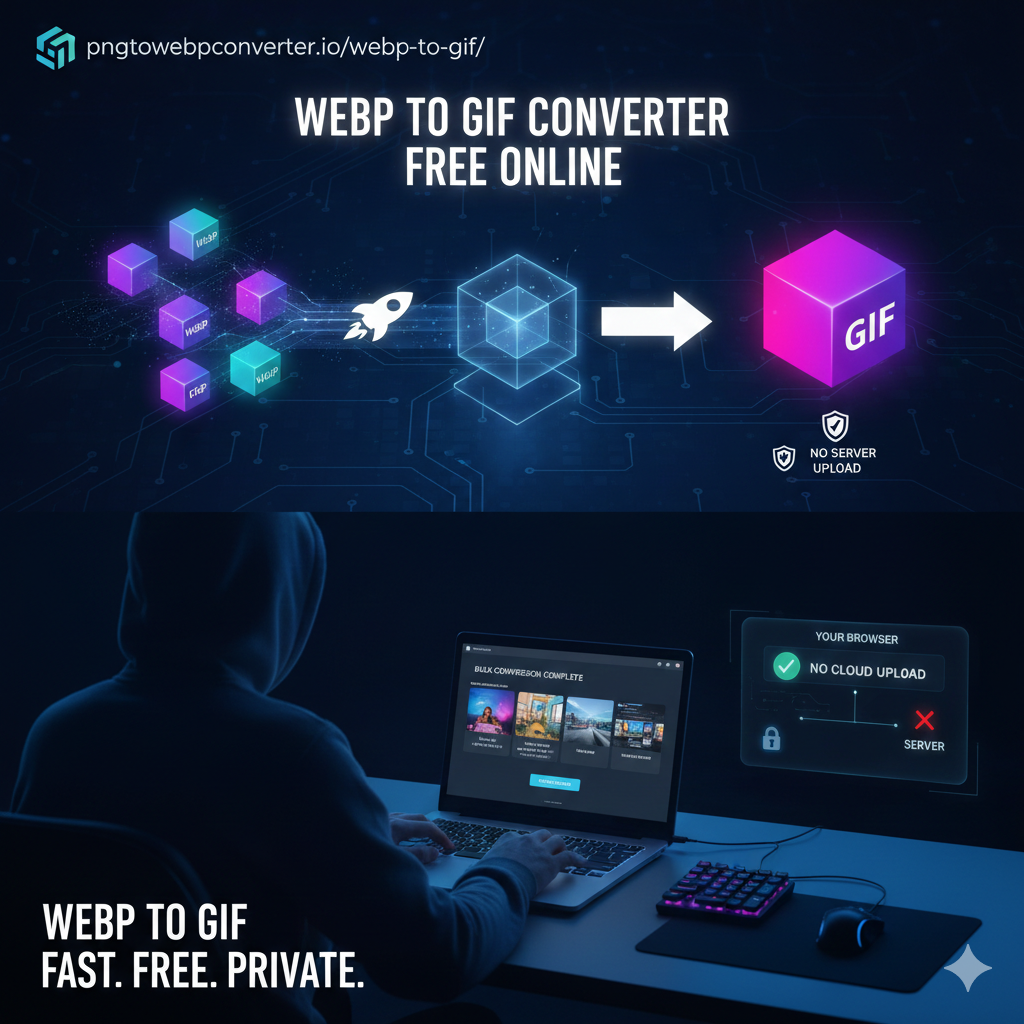
Converting an animated format isn’t just about changing a file extension; it’s a complex process of frame management.
The Conversion Pipeline
- Frame Extraction: Our engine deconstructs the animated WebP file into its individual constituent frames.
- Color Quantization: Since GIF is limited to a 256-color palette, the engine analyzes the WebP colors and creates an optimized global color table.
- Frame Rate Mapping: We preserve the “duration” metadata from the WebP file to ensure the GIF plays at the exact same speed as the original.
- Dithering: To prevent “color banding” in the 256-color limit, we apply subtle dithering to maintain smooth gradients.
- Looping Logic: Our tool ensures the “loop” flag is correctly set so your animation plays infinitely.
LSI Keywords for Technical SEO:
- Animated WebP extraction
- GIF color quantization
- Frame-by-frame rendering
- Lossy to lossless animation
- 256-color palette optimization
Chapter 3: 10 New Sections to Elevate Your Website’s Authority
1. The Power of Bulk WebP to GIF Conversion
Time is money. Explain how our tool allows users to upload up to 20 files simultaneously. This bulk WebP to GIF feature is a game-changer for content creators who need to convert entire folders of assets for a new project.
2. Preserving Transparency in Animations
Unlike many lower-quality converters, our tool maintains alpha-channel transparency. Explain how we handle “ghosting” (the trail left by moving objects) by properly disposing of frames during the encoding process.
3. Privacy: The Secure Conversion Advantage
Most users don’t realize that “uploading” to a cloud converter means their personal images are stored on a server. Highlight that pngtowebpconverter.io performs all math locally in the browser. Your images are never seen by us or stored on our disks.
4. Optimizing GIF File Size for Web Performance
GIFs can become heavy. Provide tips on how to reduce size:
- Reduce dimensions.
- Limit the color palette.
- Remove unnecessary frames.
5. WebP to GIF for Developers: UI Mockups
Developers often record their screen in WebP format. Explain how converting these to GIF allows for easy “drag-and-drop” into GitHub Pull Requests or Jira tickets for clearer communication.
6. Managing Frame Rates & Motion Blur
If a WebP animation is too fast or choppy, explain how our converter interprets the “ms per frame” data to ensure the motion remains fluid in the GIF format.
7. The Science of the GIF Palette (Dithering)
Educate users on “Dithering.” Explain how it helps a 256-color GIF look like a millions-of-colors WebP by cleverly arranging pixels to trick the eye.
8. Troubleshooting: Why is my GIF not looping?
Address a common user pain point. Explain that some converters forget the “Loop 0” metadata, but our Webp to Gif converter includes it by default.
9. Mobile-Friendly Conversions
Discuss how the tool is optimized for Chrome on Android and Safari on iOS, allowing users to convert animations on the go without needing a desktop app.
10. Comparing Animated Formats (WebP vs. GIF vs. APNG)
| Feature | Animated WebP | GIF | APNG |
| Color Support | 24-bit + Alpha | 8-bit | 24-bit + Alpha |
| Compression | Superior | Legacy | Medium |
| Compatibility | Modern Browsers | Universal | High |
Chapter 4: SEO Benefits of Using GIFs on Your Website
Search engines like Google don’t just “see” images; they track how users interact with them.
- Reduced Bounce Rate: Animations catch the eye and keep users on the page longer.
- Rich Snippets: Using optimized GIFs can help your content appear in the “Images” or “Videos” tabs of search results.
- Accessibility: By providing a WebP to GIF free version of your animations, you ensure that users on older devices or slower connections can still experience your content.
Chapter 5: FAQ Section (SEO Optimized)
Q: Is there a limit on file size for WebP to GIF conversion?
A: Since our tool processes files in your browser, it is limited only by your device’s memory. We recommend files under 50MB for the smoothest experience.
Q: Will the GIF be lower quality than the WebP?
A: Because GIF is limited to 256 colors, there may be a slight decrease in color depth. However, our advanced dithering engine makes this almost unnoticeable for most animations.
Q: Can I convert static WebP to GIF?
A: Yes! Our Webp to Gif free online tool will simply create a high-quality single-frame GIF from your static WebP image.
Q: Is it safe for sensitive business data?
A: Absolutely. Our tool is “Serverless.” Your files are never uploaded to the cloud, making it the most private Webp to Gif converter on the market.
Q: How do I convert 50 files at once?
A: Simply select all 50 files and drag them into the upload zone. Our z engine will process them in a queue automatically.
Conclusion: Why Choose pngtowebpconverter.io?
While the internet is full of “free converters,” most are riddled with intrusive ads, data-tracking scripts, and watermarks. Pngtowebpconverter.io offers a clean, professional, and private environment for all your image needs.
By choosing our WebP to GIF tool, you are choosing a solution that respects your privacy, maintains your animation’s integrity, and boosts your workflow efficiency.